
Create a new order in the portal
Create a new order as soon as you want to realize an order with your customers. You have the option to send orders to customers for confirmation and thus keep a good overview of your orders and their status. An order is the basis for invoicing. Please fill out an order for each project or service for which Smart should issue an invoice.
To do this, please click on the +New order button on the dashboard. You can access the order view in various ways:
Dashboard
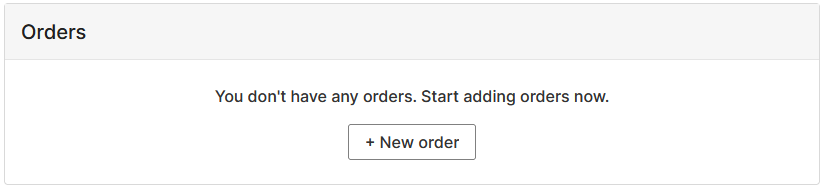
Order-Section

When you create an order, please pay close attention to the data you enter, such as the order and service description, as these are used exactly for invoicing and communication with the customer. In the next step, during the smart confirmation, we will check the order. If necessary, we will make minor adjustments and, of course, will not make any changes that affect the content of your orders and agreements with customers (service content or amounts).