
Budget transfers
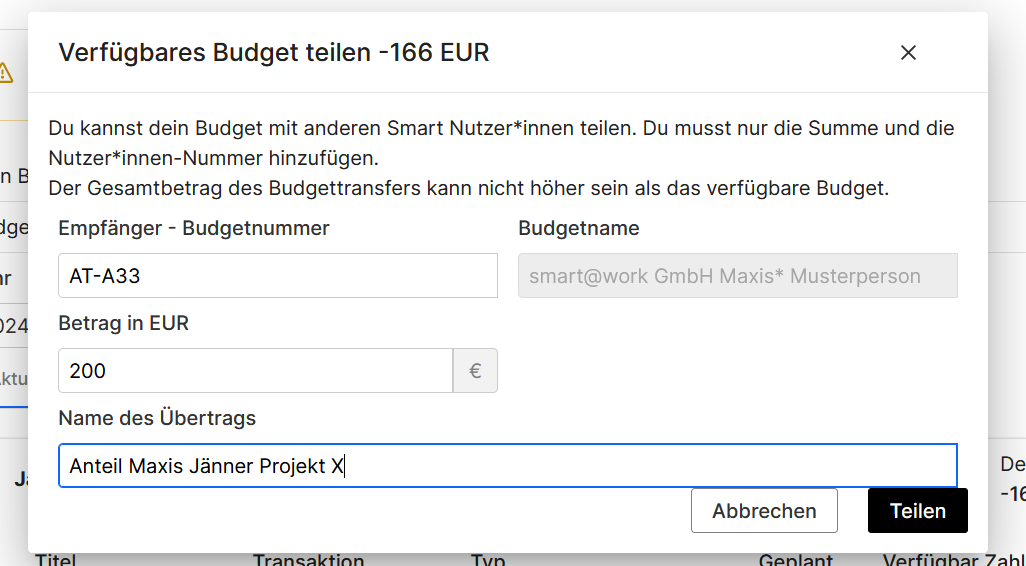
Budget transfers are managed via the budget overview of the budget from which the transfer originates as an expense. The "New budget transfer" button is located at the top right. This opens a window.
It is important that you enter the recipient budget number in the format AT-A{budget number}, e.g. AT-A33. The name of the transfer appears in both budgets, so it should be clear what it is about.
Budget transfers are subject to approval by Smart, and recipients are informed of the transfers by email.
No comments to display
No comments to display